Aniimo Twitch Drops — How to Claim Official Drops
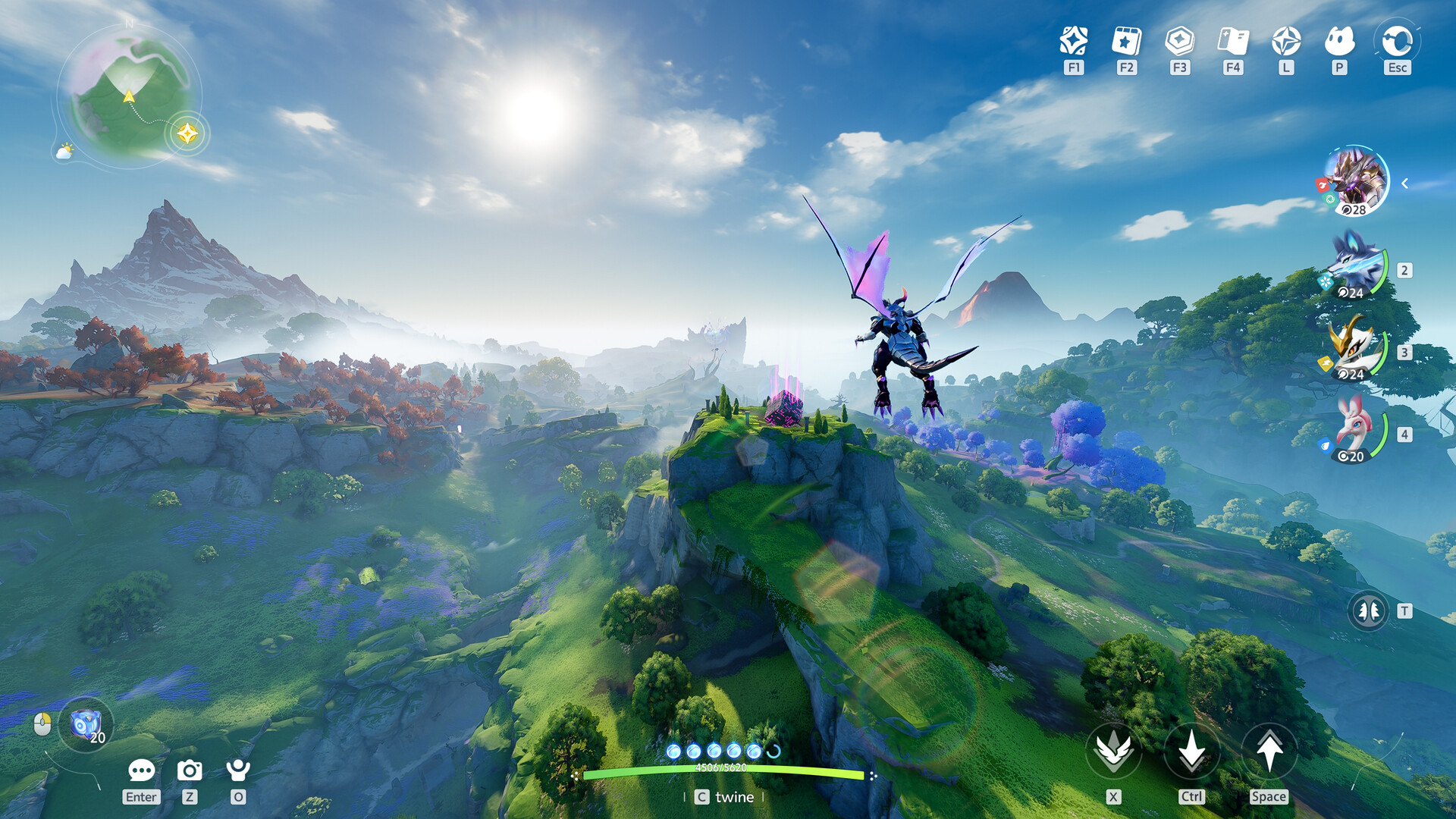
Twitch Drops
Quick answer: Aniimo runs official Twitch Drops. Watch a drops-enabled Aniimo stream, claim the reward in your Twitch inventory, link your Aniimo account, and the reward arrives in your in-game mail. Mail rewards expire after 30 days — claim them.
How it works (official process)
- Watch a drops-enabled Aniimo stream on Twitch
- Earn progress toward the drop
- Claim the drop in your Twitch inventory
- Link your Aniimo account to Twitch
- The reward is delivered to your in-game mail
Requirements
- A Twitch account
- Your Aniimo account (link it before claiming)
- Watching drops-enabled streams — check the stream tag/campaign
Where rewards go
Rewards arrive through in-game mail after claiming in Twitch. Unclaimed mail expires after 30 days — don't let drops sit.
Reward missing? (official troubleshooting)
Per the official drops page: if a claimed reward hasn't arrived, wait up to 24 hours for delivery before contacting support. Missing-reward tickets are checked against the 24-hour window first.
Link your account
Account linking happens through the official site's drops page (aniimo.com/activity/twitch-drops) — follow the link flow there.
Related: Codes · Events Hub · How to Play